
Course Reserves
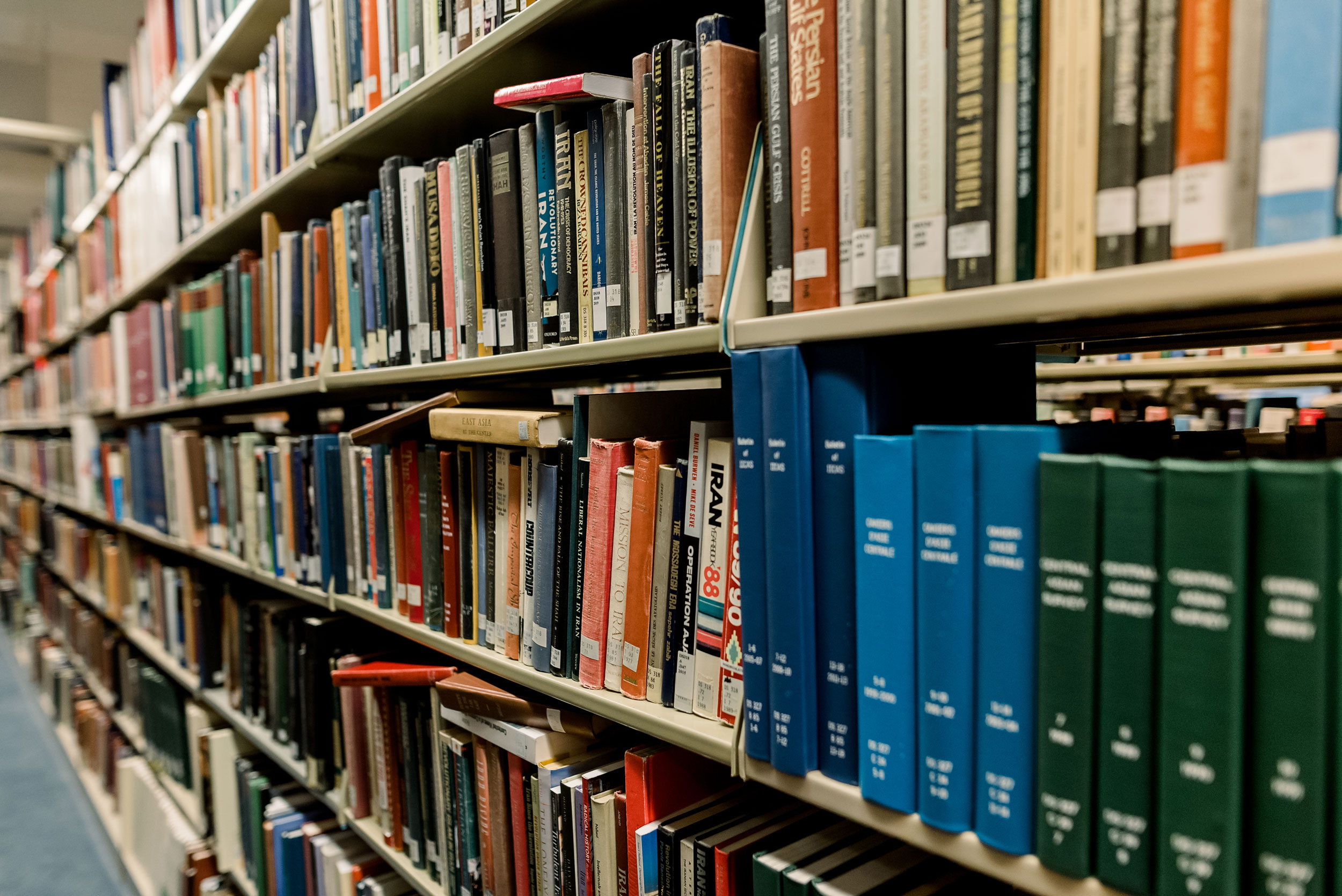
Reserves are materials and resources set aside by a professor to be used for a class. Course reserves are made available online through Ares Course Reserves or, if physical materials are reserved for a course, through the Libraries Catalog.
Electronic Ares Course Reserves
Ares Course Reserves is an online course reserves system for PDFs of journal articles or book chapters, streaming video/audio, and other readings or assignments. To find electronic course reserves in Ares:
- Using the button below, log in with your WashU Key.
- The courses you are enrolled in are displayed on the main menu.
- Click on the course to see any reserve items your instructor has made available.
If you have registered late or do not see a course on the main Ares menu, contact Olin Library Reserves staff at [email protected] or at (314) 935-5451 for assistance.
Ares Course Reserves allows you to manage course materials online. All reserve requests, including electronic readings and physical materials such as books, DVDs, etc., can be submitted through Ares. Olin Library pulls items from our stacks to be put on the Reserve shelf and/or scans needed readings for students to download from Ares.
To place materials on the electronic course reserve, log into the Ares Course Reserves System and follow the instructions in the “Add Items” section of the Ares Instruction for Faculty Guide.
For assistance or to schedule a Reserves consultation, contact Reserves by phone at (314) 935-5451 or via email ([email protected]).
Streaming Services
WashU Libraries provide video streaming services for materials in the Libraries’ collections when needed for course reserve. Contact the Olin Library Reserves staff ([email protected]) regarding film and audio streaming.
Streaming requests for materials already owned by the Libraries must be submitted one week before the semester begins to allow sufficient processing time. Materials not owned by the Libraries must be purchased, which can take 1–4 weeks, depending on the item’s availability.
Course Sections
Please note that if a single instructor teaches multiple sections of the same course, the numbered sections will be merged into a single course in Ares with a combined enrollment. Please contact the Reserves staff ([email protected]) if a student enrolled in your course is unable to access your materials.
Campus Reserves Services
Reserves services at other campus libraries may vary; contact your departmental library for more details. You can also manage your courses in Ares, upload new reserve items, and copy material from courses within the past two years. Ares retains a rolling two-year list of materials, but it is not a storage site. Please back up citations and course materials, such as PDFs, elsewhere. For items uploaded to Ares more than two years ago, please contact the Reserves staff ([email protected]).
You can link directly from Canvas to articles in Libraries-subscribed databases using the permalink for a source.
For more information on how to do this or for a librarian’s assistance, please see our guide Integrating the Library into Canvas.
Physical Course Reserves
Physical course reserves (i.e., books, print materials, DVDs) have a call number and are listed in the WashU Libraries Catalog.
To find physical course reserves in the Libraries Catalog:
- Search by the course number or the instructor’s name using the button below.
- The catalog will indicate which library is holding the materials for your course.
- Go to the appropriate library’s help desk to request a reserved item.
Faculty members may request that materials (i.e., books, print materials, DVDs) related to a course be made available for a limited check-out period.
Materials not owned by the Libraries will need to be purchased, which can take 1-4 weeks at a minimum and depends on the item’s availability.
Textbooks are not purchased for the Libraries’ collection. Textbooks are defined as publications that are: designed to fit with a standard teaching cycle; reissued every 1-2 years; include problem sets, exercises, discussion topics, study questions; and often require a digital access code designed for a single user.
Full-time and emeritus faculty members may assign proxy borrowers (see Proxy Borrowing) who can perform Libraries transactions on their behalf.
If WashU Libraries do not own the needed materials, you can reserve your copy or recommend purchasing the item for the Libraries’ collections. John M. Olin Library, as well as several other campus libraries, offer Reserve services.
Please note that if a single instructor teaches multiple sections of the same course, numbered sections will be merged into one course in Ares with a combined enrollment. Please contact the Reserves staff if a student enrolled in your course is unable to access your materials.
To place materials on physical course reserve, log into the Ares Course Reserves System and follow instructions in the “Add Items” section of the Ares Instruction for Faculty Guide.
For assistance or to schedule a Reserves consultation, Contact Reserves by phone at (314) 935-5451 or via email ([email protected]).
Departmental Libraries
Libraries locations beyond Olin Library, including the Brown School and Law School libraries, also provide on-site course reserve services. Contact those locations directly for assistance.
Fair Use Guidelines
Students and instructors are responsible for operating within fair use guidelines when using reserve materials. For more information, refer to the:
Course Reserves can include materials the Libraries own or license, or materials the Libraries otherwise have the right to share (for example, an open-access version or content shared with permission).
The Libraries cannot use Interlibrary Loan (ILL) to supply readings for eReserves or class distribution. ILL copies are provided for an individual’s research or scholarship and generally cannot be redistributed to an entire class through course reserves or Canvas.
Your subject librarian can help you with the following options:
- Locate an open-access version that the Libraries can link to
- Identify an alternative licensed source
- Request a library purchase or appropriate e-book license
- Explore permissions/transactional licensing for course distribution
If you already have lawful access to a copy (e.g., your own print book), you may choose to post a limited excerpt to Canvas based on a good-faith fair use analysis—but linking to licensed/open access content or using Ares is recommended when possible, and uploads should be limited to enrolled students/course staff and removed after the term.
Copyright Restrictions Note
The copyright law of the United States (Title 17, United States Code) governs the reproduction and distribution of copyrighted material. Under certain conditions specified in the law, libraries and archives are authorized to reproduce materials.
One condition is that reproduction not be “used for any purpose other than private study, scholarship, or research.” Any person who copies or re-distributes this material in any way inconsistent with Title 17 and its “fair use” provisions may be liable for copyright infringement.